Samples that behave like the real thing
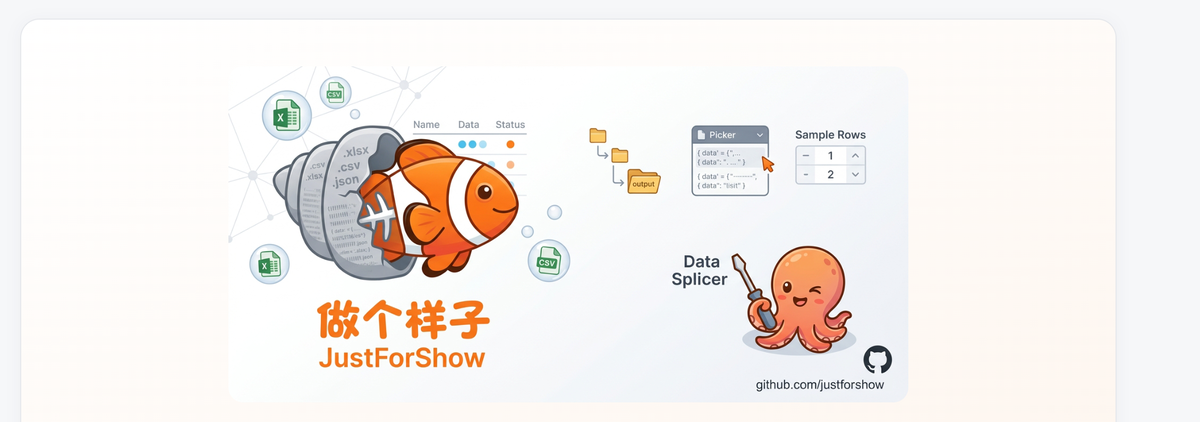
Not a crude truncation — the folder structure and file shape are carried over 1:1, so your samples feel like real data for testing, demos and integration work.
1:1 folder mirroring
The output folder mirrors the source structure exactly (including empty folders), same file names and formats — every level lines up.
Multi-GB files, no freezes
Streams only the head of huge files — touching just the beginning, so even multi-GB files sample in seconds.
Live preview, WYSIWYG
Preview headers and leading rows live in the app — you know exactly what each sample looks like before exporting.
Global + per-file row counts
Two-level control over sample rows: one global default plus per-file overrides; set 0 to keep headers only.
Recursive scan, per-format filter
Recursively scans the source folder with per-format filtering; non-data files can be skipped or copied as-is.
Progress and summary
Live progress, per-file logging, and a size-reduction summary — what was exported and how much was saved, at a glance.
Download from Microsoft Store
Microsoft Store is the only authoritative channel — fully functional and free during the public beta.
Store listing: apps.microsoft.com/detail/9P30MRGVSPJV · Feedback: feedback@weibaba.fun
Found it useful? Buy the developer a coffee
JustForShow is maintained by an independent developer. Sponsorship brings no functional difference — just the motivation to keep updating.
 WeChat Scan · Buy a coffee